

 Howei Calendar
 Events Results
 Media Gallery
 Runfluencer Program
 Announcements
 Howei Helpdesk



How To Download Your Relive Video

Now I'm guessing you've been using the Strava app to map out your rides, and have recently discovered this super nifty feature known as Relive (Relive.cc, to be precise).
Relive has very cleverly tied themselves in with Strava, and once you sign up for the service this software will automatically (with the help of some code monkeys in the back) generate one of those ride videos like the ones you see on the Tour de France!
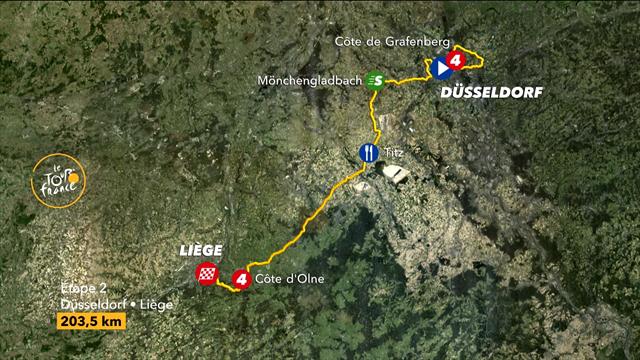
Do note that all Relive videos have no audio. You'll just have to get creative.
Here’s how you can download the source video so you can add audio and otherwise edit the video:
-
Log your ride to Strava and wait for the Relive video to be created
-
Next to the Relive video, right click anywhere and select "View Page Source"

-
You will be taken inside the Matrix to view the source code

-
In here, search for a URL link ending in ".mp4"

-
Copy the entire link text

-
Paste the link into your browser tab and play it
-
You can click the download button in the corner, or right click and select "Save video as..."

-
Voila!
You can now do with your Relive video whatever you please.
Do note that the copyright of the video may technically still belong to Relive.cc, so don't go using it in any commercial setting without their permission.
Happy riding!


